What is Visor?
The leader in operational event tracking
Here are our security certifications currently in progress





5 of the most well-known companies that trust Visor





A code freeze, a release, a migration — it only exists as a few words in a Slack message, buried among hundreds of others.
Nobody can stably track and remember what actually happened
— even over a short period of time. Only a purpose-built automatic system can, which we built.
How does it work?
Guaranteed event creation + instant summaries.
🔒 Security
Visor detects events from messages and stores everything in your Slack — in the automatically created #visor-summaries channel. Nothing is stored on our servers. Everything stays in your workspace, in your environment.
📋 Summary channel
A #visor-summaries channel is created automatically in your Slack workspace — you don't need to do anything. Every detected event gets a detailed summary thread posted there. Jump directly to any summary in one click.
Your space is isolated ◯
Each person sees only events from channels they're a member of. Events from other channels are hidden and completely inaccessible.
⚡ Zero manual work
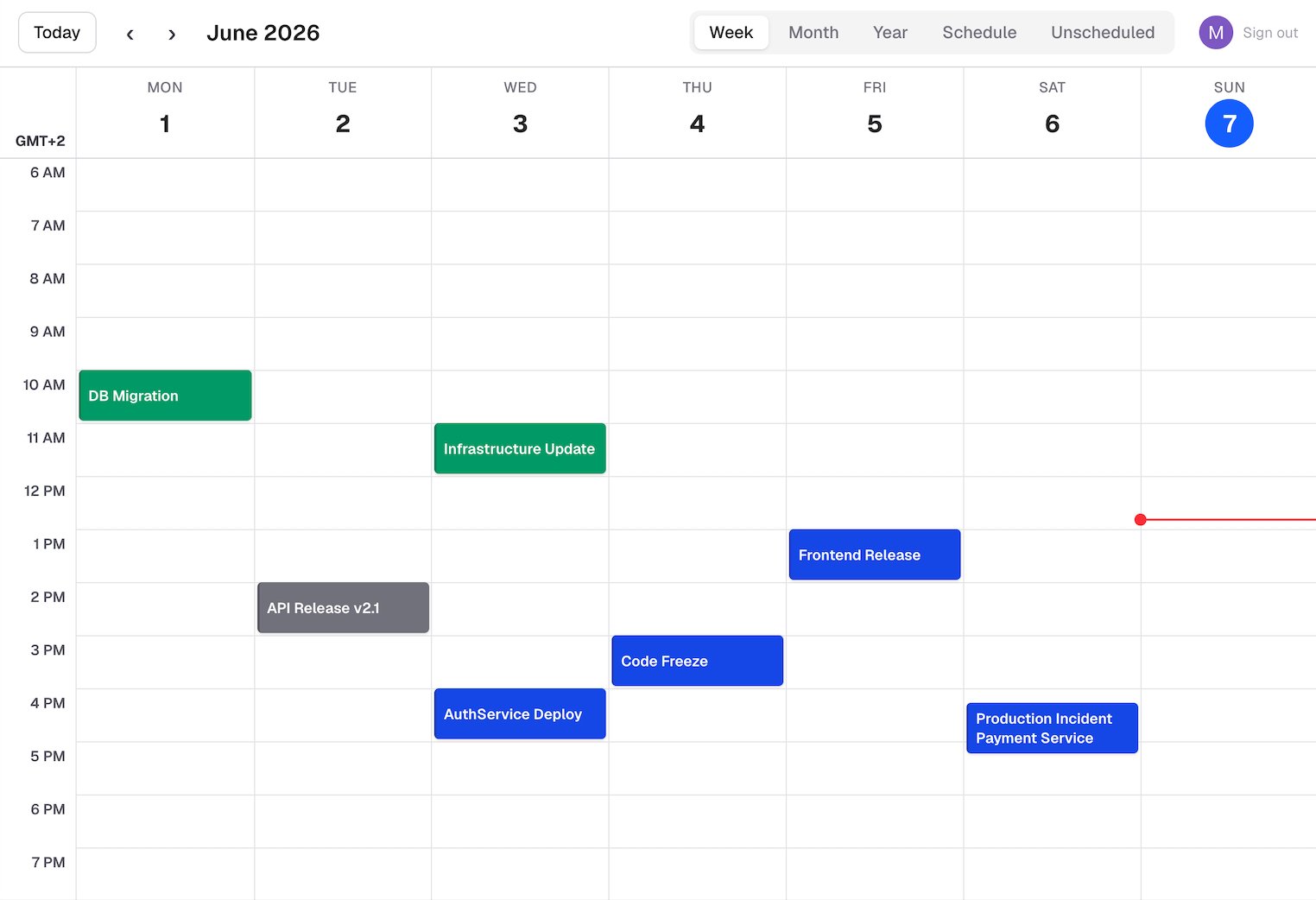
Just enter /invite @Visor to any Slack channels (unlimited quantity). That's it. Visor detects events automatically and registers them. Visor handles about 40% of a PM's work this way. No manual work needed — if you want to check upcoming events, just visit the Visor platform. They'll already be there, ready to view.
🔔 Daily reminders
Every morning, Visor sends one message per Slack channel with detected activity, listing events scheduled for the next day — so your team stays informed.
 Visor
VisorGet started in 2 clicks.
No credit card needed
Connect Visor to your
Slack
1. To start using the ops Visor Calendar, connect Visor to your Slack. Click the button below "Connect to Slack".
Allow the "Visor" app to
access Slack
Review app permissions
Welcome to Visor Platform
Sign in with your Slack account to see your operational Calendar.
1. Invite Visor to channels
/invite @Visor (unlimited quantity).2. Automatic event creation
3. Sign in to the platform
Allow the "Visor" app to
access Slack
Review app permissions
Visor